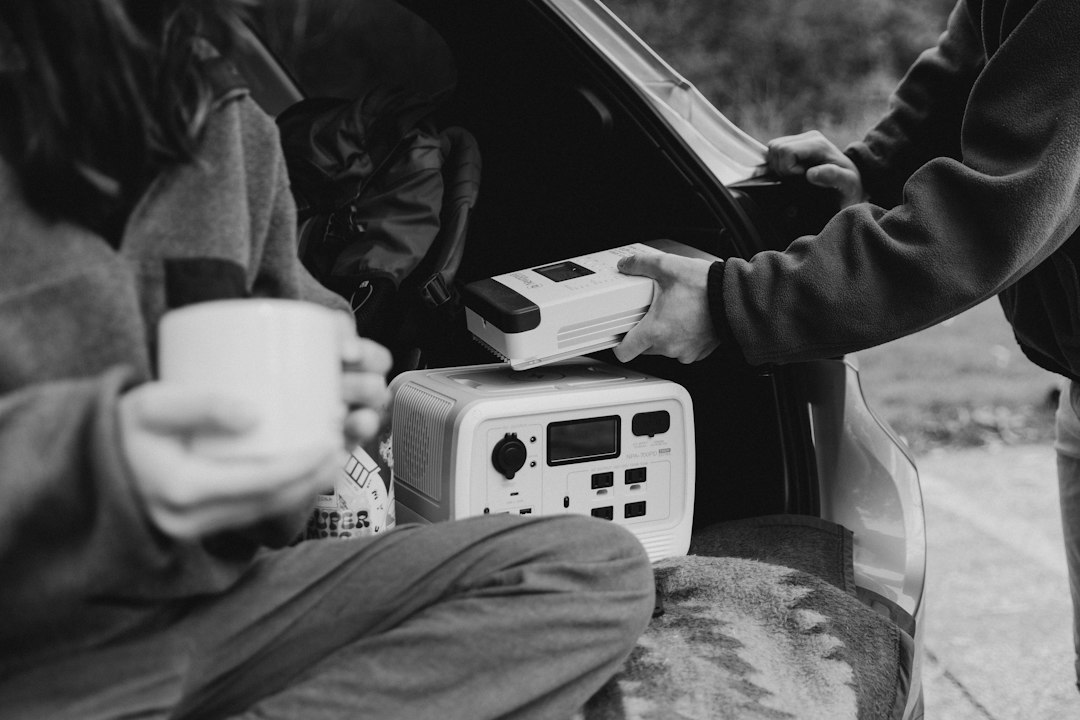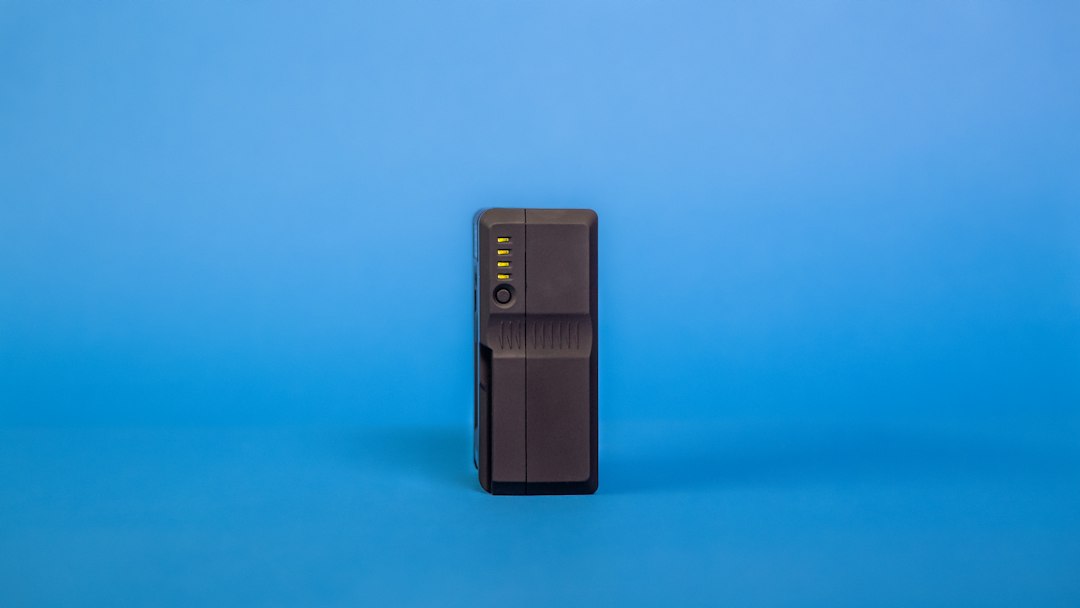
Every winter, Ontario households get reminded of the same lesson. A tree limb drops on a line, a transformer lets go, and the lights go out for four hours or four days. The 2026 emergency power statistics show that the average Canadian home loses power for somewhere between 5 and 15 hours a year, with the worst events clustered around ice storms and summer squalls. That gap is where the UPS vs power station question lives. Most homeowners end up owning both eventually, but if you are buying your first backup device you need to know which one solves your actual problem.
Here is the short version of how these two products differ. A UPS, short for uninterruptible power supply, is built around one job: bridge the gap between the grid failing and something else taking over. It does that in milliseconds. A portable power station is built around a different job: store as many watt-hours as possible in a box you can carry. Those goals push the designs in opposite directions. One optimizes for switchover speed and standby efficiency, the other optimizes for capacity and output. Ontario homeowners also have to think about code. The Electrical Safety Authority requires a licensed electrician and an approved transfer device before any battery system is wired into your home’s panel, and CSA Group certification is what separates a legitimate unit from a grey-market import.
I have installed both. A desktop UPS takes ten minutes, a plug, and a USB cable. A power station that feeds a transfer switch takes a permit, an electrician, and a weekend of planning. The cost per watt-hour is wildly different too. A basic 1,500 VA UPS costs less than a 1,000 Wh power station, but it holds roughly one tenth the energy. If your goal is keeping a router, a modem, and a laptop alive through a two-hour outage, the UPS wins on price and simplicity. If your goal is running a fridge, a sump pump, or a CPAP machine overnight, a UPS will not do it. Our home office UPS guide covers the small-end options in detail.
Things have shifted in the last two years. Power stations now ship with a UPS mode that passes grid power straight through and switches to battery in 10 to 20 milliseconds. Lithium iron phosphate cells replaced most of the old lithium-ion packs, which pushed cycle life from roughly 500 charges to 3,000 or more. That means a power station can sit plugged in as a permanent desk companion and still have most of its life left in a decade. It also means the line between the two product categories is blurrier than it used to be. The best units on the market now advertise UPS functionality, and some of them actually deliver it.
How Do the Top Options Compare?
| Option | Continuous / Surge Output | Usable Capacity | Transfer Time | Best For | Check Price |
|---|---|---|---|---|---|
| APC Back-UPS Pro 1500VA (line-interactive) | 900 W / 1,080 W | About 200 Wh | 6 to 10 ms | Computers and routers | Check price |
| CyberPower OL1500RTXL2U (online double conversion) | 1,350 W / 1,500 W | About 250 Wh | 0 ms | Medical devices and servers | Check price |
| EcoFlow Delta 3 power station | 1,800 W / 3,600 W | 1,024 Wh | 10 to 20 ms | General home backup | Check price |
| Anker Solix F3800 power station | 6,000 W / 12,000 W | 3,840 Wh, expandable | Under 20 ms with transfer switch | Fridge, furnace, well pump | Check price |
| Bluetti AC200L with solar panels | 2,400 W / 3,600 W | 2,048 Wh | 20 ms | Multi-day off-grid outages | Check price |
All wattage, capacity, and runtime figures come from manufacturer specification sheets, measured at 25 C with new batteries. Real runtime drops in a cold garage and drops further as cells age. Prices move constantly, so the check price links above are the only reliable source. Nothing in this table replaces an electrician’s assessment of your panel.
1. Line-Interactive Desktop UPS , Best for Computers, Routers, and Network Gear
A line-interactive UPS is the box most people picture when they hear the word UPS. It sits between the wall outlet and your equipment, watches the incoming voltage, and closes a relay to the battery inverter when power drops below about 90 volts or climbs above 140 volts. That switch happens in 6 to 10 milliseconds, fast enough that a desktop power supply and its capacitors never notice.
The APC Back-UPS Pro 1500VA is rated 900 W continuous with a 1,080 W surge ceiling, and the pair of sealed lead-acid batteries inside holds roughly 200 Wh. At a 700 W load you get about 5 minutes. At a 150 W load, which is a router, a modem, and a laptop dock, you get closer to 25 minutes. CyberPower’s CP1500PFCLCD is the other common pick: 1,500 VA, 1,000 W, pure sine output, and about 12 minutes at a 500 W load.
Automatic voltage regulation is the feature people underestimate. Brownouts and momentary sags are far more common than full outages, and a line-interactive unit corrects them without touching the battery. That keeps the batteries fresh for the outage that actually matters. Most models also include a USB data port, which lets the bundled software shut a computer down cleanly before the battery dies.
Where it falls apart is anything with a motor. A fridge compressor, a sump pump, or a furnace blower will trip the overload protection the moment it tries to start. The sealed lead-acid batteries also have a short life in a warm room, typically three to five years, and replacement packs are a real expense. The unit is heavy for what it stores: around 25 pounds for 200 Wh.
Key strengths:
- ✅ Fast protection: switchover lands in 6 to 10 milliseconds, fast enough that a desktop PC or a NAS never reboots.
- ✅ Low cost per outlet: a 1,500 VA unit costs a fraction of a comparable power station.
- ✅ Automatic voltage regulation: brownouts and surges are corrected without touching the battery.
- ✅ Clean shutdown support: the USB data port pairs with software that closes your session before the battery dies.
- ✅ Silent at idle: no fan and no hum until you push past roughly 300 W.
- ❌ Tiny energy reserve: 150 to 250 Wh means minutes of runtime, not hours.
- ❌ Fails on motor loads: a fridge compressor or sump pump will trip the overload instantly.
- ❌ Sealed lead-acid packs die in three to five years and replacements are not cheap.
Who it’s for: Choose a desktop UPS if your priority is keeping a computer, router, or NAS alive through blips and short outages without buying a battery bank.
2. Online Double-Conversion UPS , Best for Medical Devices, Servers, and Anything That Cannot Blink
An online or double-conversion UPS never switches at all. It rectifies incoming AC to DC, charges the battery, then rebuilds a fresh sine wave through the inverter on every cycle. There is no transfer relay, so transfer time is effectively 0 ms and there is no transfer event for connected equipment to ride through. The CyberPower OL1500RTXL2U is a good example of the class: 1,500 VA and 1,350 W of true sine output in a 2U rack chassis, expandable with external battery packs.
The trade-off is heat and noise. A double-conversion unit runs its inverter constantly, so efficiency drops to roughly 88 to 92 percent. The rest becomes heat, and the cooling fans never fully stop. Expect 45 to 55 dBA at one meter, which is louder than a refrigerator. In a home office that means putting the unit in a closet or a basement rack, not next to your monitor.
Home medical gear is where this category earns its place. A CPAP machine draws 30 to 60 W and a home oxygen concentrator pulls 275 to 400 W, often for eight hours at a stretch. Our guide to emergency power for medical equipment walks through the runtime math in detail. A double-conversion UPS carries those loads without a single missed cycle, which matters when the device is keeping someone alive.
Runtime is still the weak point. A 1,350 W online UPS running a 300 W load gives you roughly 15 to 25 minutes before it drops. External battery modules stretch that to a few hours, but each one adds cost, weight, and another hot box in the room.
Key strengths:
- ✅ Zero transfer time: the inverter never stops, so there is no switchover event to ride through.
- ✅ Cleanest possible power: double conversion isolates equipment from sags, spikes, and generator frequency drift.
- ✅ Generator tolerant: the wide input window means a dirty utility feed or a portable generator will not knock it offline.
- ✅ Medical-grade options exist, and some models carry certifications suitable for home medical equipment.
- ✅ Rack mount form factor with hot-swappable batteries for quick service.
- ❌ Expensive: two to three times the cost of a line-interactive unit with the same VA rating.
- ❌ Always loud: continuous fan noise of 45 to 55 dBA, louder than a kitchen fridge.
- ❌ Wastes power: 8 to 12 percent of everything it passes through turns into heat.
Who it’s for: Pick an online UPS when downtime is measured in lost health or lost dollars rather than lost convenience.
3. Portable Power Station with UPS Mode , Best All-Rounder for Short and Medium Outages
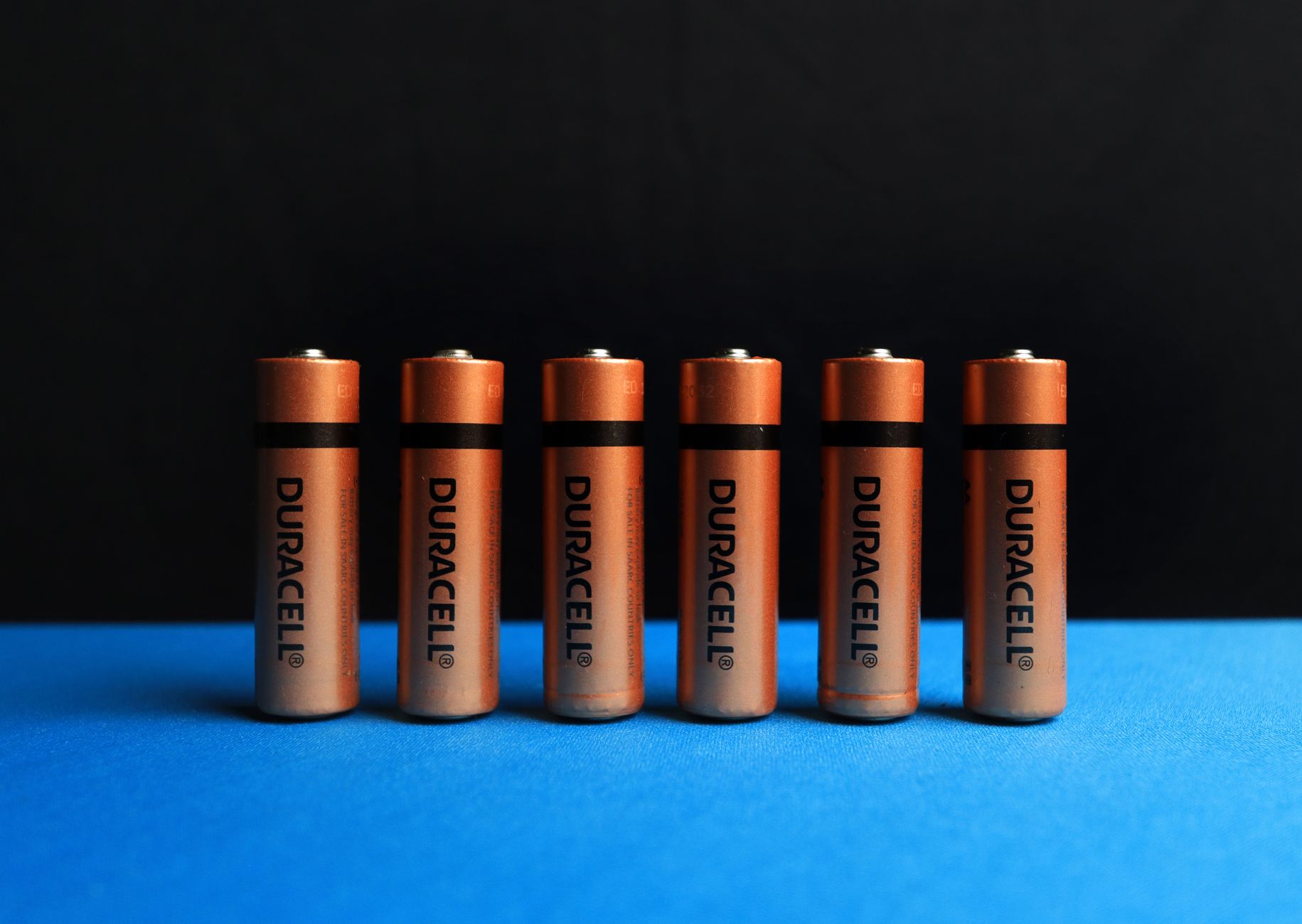
A portable power station with a UPS mode is the middle ground, and for most Ontario households it is the better buy. EcoFlow’s Delta 3 carries 1,024 Wh of lithium iron phosphate, puts out 1,800 W continuous and 3,600 W surge, and switches to battery in 10 to 20 milliseconds when the grid drops. That is slower than a dedicated UPS but still fast enough for a router, a modem, a laptop, and most desktop PCs.
Runtime is where it separates itself. A 200 W load runs for about 4.5 hours. A modern 18 cubic foot fridge that averages 80 W of draw runs for roughly 8 to 10 hours. A 65 W laptop dock runs most of a full workday. Compare that with the 25 minutes a line-interactive UPS gives you at the same load and the difference is obvious.
Bluetti’s AC200L goes bigger: 2,048 Wh, 2,400 W continuous, 3,600 W surge, and up to 1,200 W of solar input. It weighs around 62 pounds, which is portable in the sense that you can move it between rooms without help, not in the sense that you want to hike with it. Solar input on this class of unit is the real advantage. Add 800 W of panels and a 2 kWh station refills from empty in about three hours of decent sun.
The catch is idle draw. In always-on UPS mode the inverter runs continuously and burns 10 to 30 W even with nothing plugged in. That is 240 to 720 Wh per day, which will empty a 1,024 Wh unit overnight if it is not plugged into the wall. Some models also cap pass-through power well below their inverter rating, so check the spec sheet before you assume 1,800 W of pass-through. Our roundup of the best portable power stations of 2026 lists which units handle this well.
Key strengths:
- ✅ Real runtime: 1,000 to 2,000 Wh beats any desktop UPS by a factor of five to ten.
- ✅ Pure sine output at 1,800 W or more, which is enough to start a fridge compressor.
- ✅ Solar input of 500 to 1,200 W means you can recharge without a generator and without fuel.
- ✅ Quiet for most loads: fan noise stays around 30 to 40 dBA and only ramps under heavy draw.
- ✅ Genuinely portable: it works at a desk, in a garage, in a tent, or in a truck.
- ❌ UPS switchover runs 10 to 20 milliseconds, fine for most gear but not every device.
- ❌ Idle inverter draw of 10 to 30 W can flatten the battery overnight if left in always-on mode.
- ❌ Cost per watt-hour is higher than a sealed lead-acid UPS.
Who it’s for: The right pick for most homeowners who want one device that covers a four-hour outage and a weekend camping trip.
4. Large Power Station with Transfer Switch , Best for Fridge, Furnace, and Whole-Circuit Backup
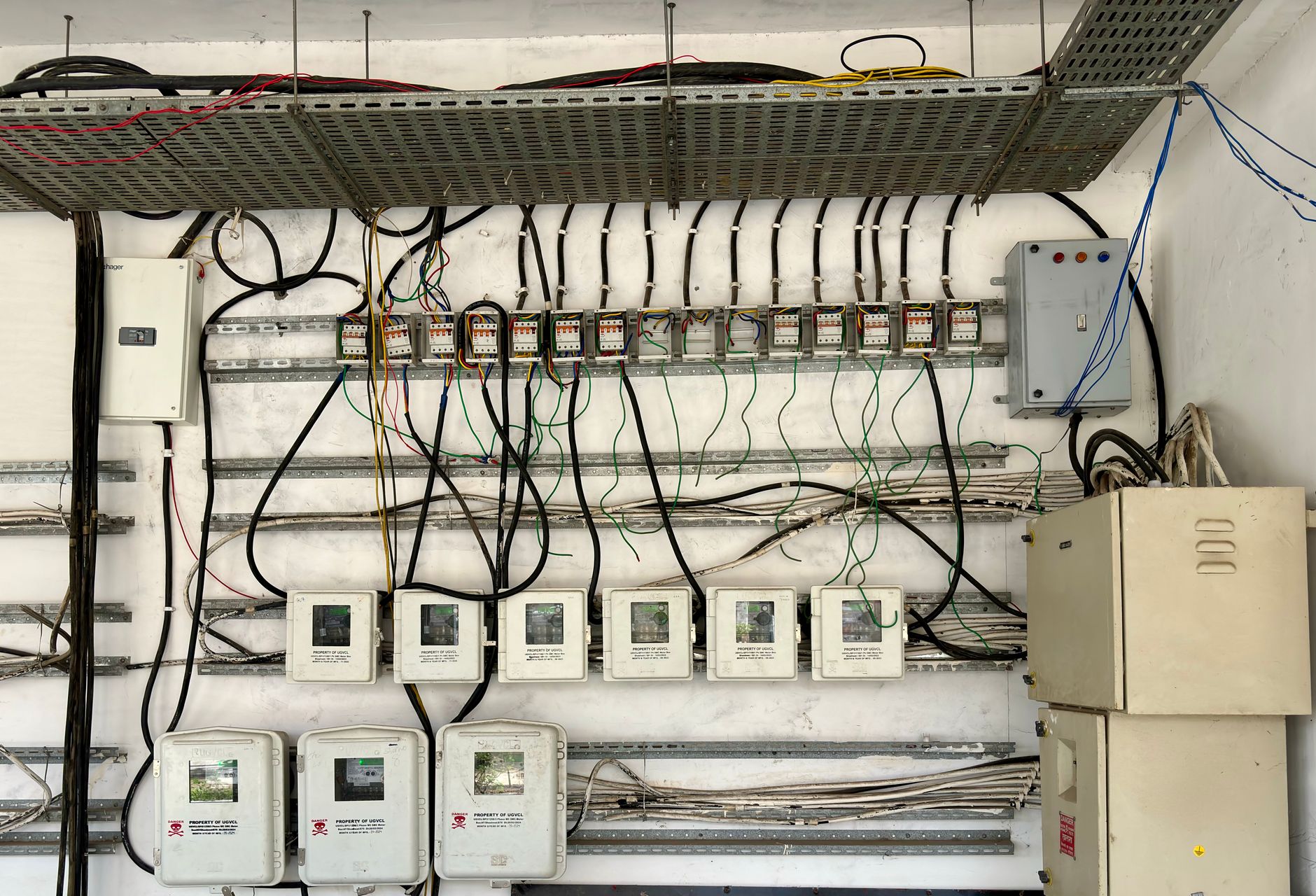
Once you get above 3 kWh, the product stops being a gadget and starts being home infrastructure. Anker’s Solix F3800 delivers 6,000 W continuous and 12,000 W surge from a 3,840 Wh lithium iron phosphate pack, and it accepts add-on batteries that push total capacity past 26 kWh. EcoFlow’s Delta Pro Ultra is rated 7,200 W continuous with a 6 kWh base battery. Either one will start a half-horsepower sump pump, run a fridge, and keep a furnace blower going at the same time.
None of that power reaches your panel through a cord. You need a transfer switch or a power inlet box, and in Ontario that work falls under the Ontario Electrical Safety Code. The Electrical Safety Authority requires a permit, an approved transfer device, and a licensed electrician for the connection. There are no shortcuts here, and there is no safe way to backfeed a dryer outlet. The whole-home battery backup guide covers what a proper install looks like.
Weight is the honest downside. The F3800 is around 132 pounds on its own, and each expansion battery adds another 90 pounds. This is not a device you carry during a storm. It lives where it is installed, and you plan the circuit layout around it.
Compared with a wall-mounted home battery, a large power station is less capable but far more flexible. A permanent wall battery runs the whole house and costs considerably more once installation is included. A big portable station can move to a cottage, go to a job site, or roll into the garage when the power comes back. For outages measured in hours rather than days, that flexibility is worth more than the extra kilowatts.
Key strengths:
- ✅ Enough surge output to start a half-horsepower sump pump or a shallow well pump without tripping.
- ✅ Expandable capacity: 3,840 Wh grows past 26 kWh with add-on battery packs.
- ✅ Lithium iron phosphate cells rated for roughly 6,000 cycles to 80 percent capacity.
- ✅ Can feed a transfer switch or sub-panel through a licensed electrician and a permitted install.
- ✅ Doubles as a portable unit for job sites, events, and remote property.
- ❌ Heavy: 130 to 200 pounds for the base unit, and each expansion battery adds about 90 more.
- ❌ Panel integration is not a do-it-yourself job, and there is no permit-free shortcut in Ontario.
- ❌ Total cost lands in the same range as a small standby generator with far less continuous runtime.
Who it’s for: For homeowners who want fridge, furnace, and pump backup for a day or two without burying a propane tank.
5. Power Station Plus Solar Panels (Solar Generator) , Best for Multi-Day Outages Off the Grid
Pairing a power station with folding or rigid solar panels gives you the one thing batteries cannot supply: a way to refill. A 2,048 Wh station fed by 800 W of panels recovers from empty in roughly three hours of strong sun. Ontario gets about 4 to 5 peak sun hours per day in June and closer to 1.5 to 2 in December, so winter recharging is slow and will not keep up with heavy loads.
The practical build is a mid-size station plus 400 to 800 W of panels. Bluetti’s AC200L with two 200 W folding panels is a common starting point. EcoFlow’s Delta 2 Max accepts up to 1,000 W of solar and pairs well with rigid panels mounted on a shed or garage roof. Rigid panels are heavier and cheaper per watt, and they survive hail and wind far better than the folding kind.
What this setup buys you is silence and safety. There is no fuel, no exhaust, no carbon monoxide, and nothing to fill at 2 a.m. during an ice storm. You can run it in a basement or a bedroom without a CO alarm going off, which is not true of any generator. That matters more than most people expect, and it is why our solar generator roundup puts so much weight on panel compatibility.
The downsides are weather and money. Three cloudy December days will leave you with a dead battery and no way to charge it. Folding panels are also easy to damage, and a single cracked cell can cut output by a third. Budget for a wall outlet or a small generator as a backup to your backup.
Key strengths:
- ✅ Indefinite runtime in sunny weather: sun in, power out, and no fuel to buy or store.
- ✅ Silent and emission free, which means it is safe to run indoors where a generator never is.
- ✅ The same station still works as a desk UPS when the grid is up.
- ✅ Modular: start with one panel and add capacity later as budget allows.
- ✅ No maintenance schedule beyond keeping the panels clear of snow and dirt.
- ❌ Ontario December sun delivers only 1.5 to 2 peak hours per day, so winter recharge is slow.
- ❌ Panel cost stacks up quickly, and folding panels are easy to crack or water-damage.
- ❌ It only covers the circuits you plug into it, never the whole house.
Who it’s for: For cottagers, campers, and anyone whose outages routinely stretch past 24 hours.
Frequently Asked Questions
Can a portable power station replace a UPS?
For most home electronics, yes. A station with a UPS mode switches over in 10 to 20 milliseconds, which is fast enough for routers, modems, laptops, and most desktop computers. Devices with highly sensitive power supplies, some older audio gear, and anything medical grade may still need a dedicated UPS with a 0 to 10 millisecond transfer.
How long will a power station run a refrigerator?
A modern 18 cubic foot fridge draws 100 to 150 watts while the compressor runs but averages closer to 80 watts once duty cycling is accounted for. On a 1,024 Wh station that works out to roughly 8 to 10 hours, and on a 3,840 Wh station closer to 30 hours. Older compressors and worn door seals will do worse.
What size UPS do I need for a home office?
Add the running watts of everything you want protected, then add 30 percent headroom. A desktop, two monitors, a router, and a modem usually total 300 to 450 watts, which puts you in the 1,000 to 1,500 VA range. That buys 10 to 20 minutes of runtime, enough to save work and shut down cleanly.
Do I need a permit to connect a power station to my home's electrical panel in Ontario?
Yes. The Electrical Safety Authority requires a permit and a licensed electrician for any connection between a battery system and a home’s wiring, including transfer switches and power inlet boxes. Plugging a power station into a wall outlet to charge it is not covered, but feeding power back into the panel is.
Is a UPS or a power station better for a CPAP machine?
A power station is the better choice for overnight use. A CPAP draws 30 to 60 watts, and a 1,024 Wh station will run it for 14 hours or more. A typical desktop UPS only manages 30 to 60 minutes. If you use a home oxygen concentrator, which pulls 275 to 400 watts, an online double-conversion UPS or a 2 kWh station is the safer pick.
Are power stations and UPS units noisy?
A line-interactive UPS is silent until you load it past roughly 300 watts, then the fan reaches 35 to 40 dBA. Power stations behave the same way and usually stay under 40 dBA below half load. Online double-conversion UPS units run their fans continuously at 45 to 55 dBA, which is louder than a kitchen refrigerator.
What Should You Remember?
- Match the device to the outage length. A 1,500 VA UPS buys 5 to 25 minutes. A 1,024 Wh power station buys 4 to 10 hours.
- Check transfer time before trusting a power station as a UPS. Under 20 milliseconds is safe for most electronics. Over 30 is not.
- Add up surge watts, not running watts. A fridge needs three to four times its running draw to start the compressor.
- Assume 10 to 30 W of idle draw in always-on mode. That is enough to empty a 1,024 Wh station overnight.
- Keep UPS batteries cool and expect a short life. Sealed lead-acid packs typically last three to five years.
- Solar changes the math for long outages. Panels turn a 2 kWh box into a system that refills itself in summer.
- Panel connections in Ontario need ESA paperwork. A licensed electrician and an approved transfer device are required.
This article is for general information only. Always follow manufacturer instructions, local electrical codes, and hire a licensed electrician for transfer switches and standby generator installation. Carbon monoxide is deadly , never run a generator indoors.